Polish and Impact
This round was about making things feel right. No new systems — just making the existing ones hit harder.
Screen-Space Damage Numbers
Damage numbers used to project into world space, which meant they’d shrink with distance and sometimes clip through geometry. The new system renders them in screen space instead: they pop in at the center of the viewport, float upward with a gentle fade, and scatter with a random horizontal offset so consecutive hits don’t stack on top of each other.
The UI theme now controls damage number colors too, so critical hits can burn gold while regular strikes stay white. Small touch, big difference.
Screen Shake on Critical Hits
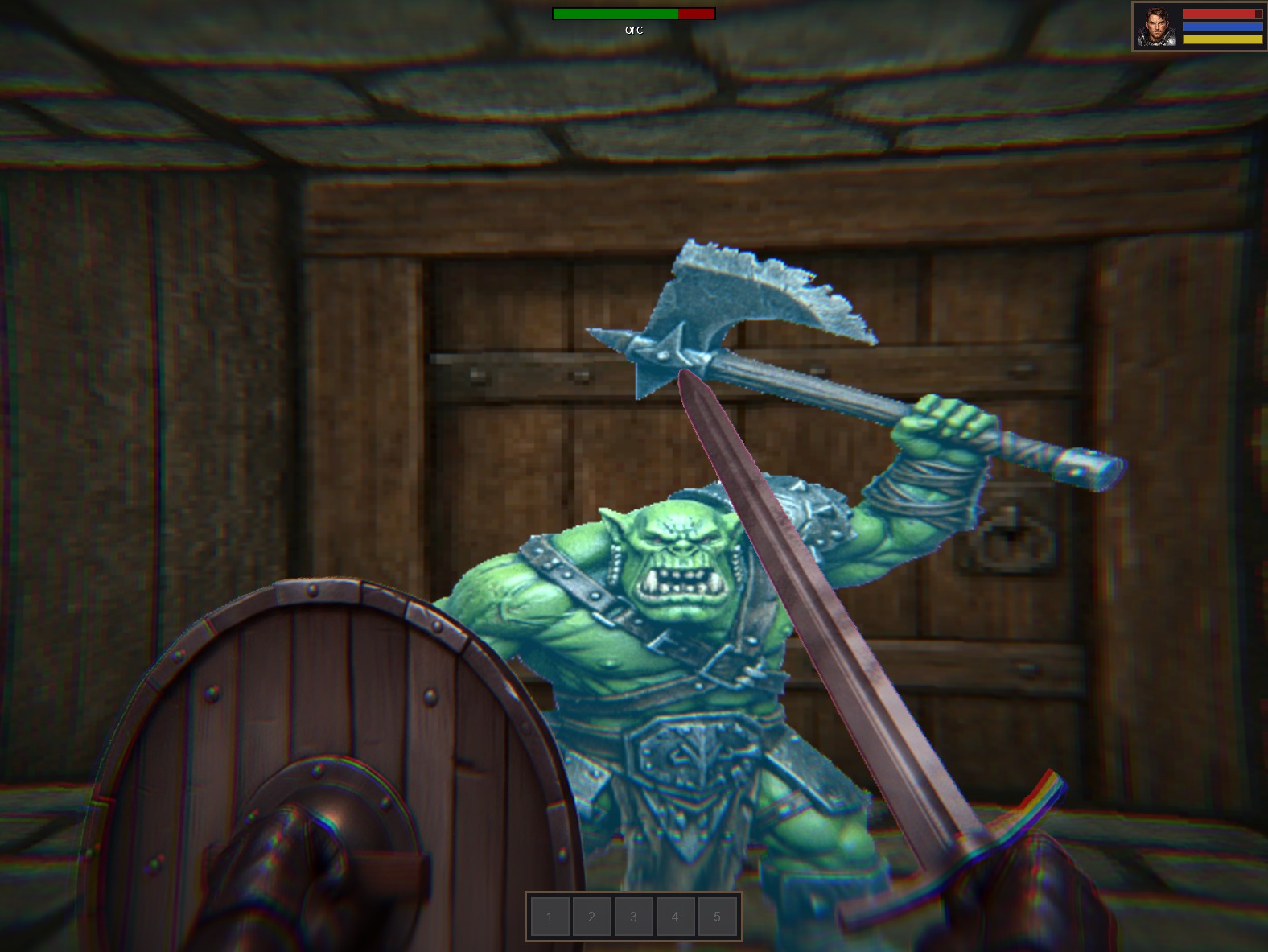
When you land a critical hit, the screen shakes. It’s a brief, randomized jitter — not enough to disorient, but enough to feel the weight of the blow. A new ScreenShakeService handles the effect with configurable duration and intensity, so it can be reused for explosions, heavy impacts, or anything else that deserves a camera rattle.
Combined with the damage numbers and the monster hit shake from last week, criticals now have a full chain of feedback: the screen jolts, the monster staggers, and a gold number rises from the impact point.
Pause Menu
You can pause the game now. An overlay appears with options to resume or quit, and the world freezes underneath. It uses the engine’s overlay scene system, so the game state stays intact while the menu draws on top.
UI Theme Fonts
The last piece: fonts are now part of the UI theme system. Instead of hardcoding font references throughout the codebase, widgets pull their font from the centralized theme configuration. One place to change, everything updates.